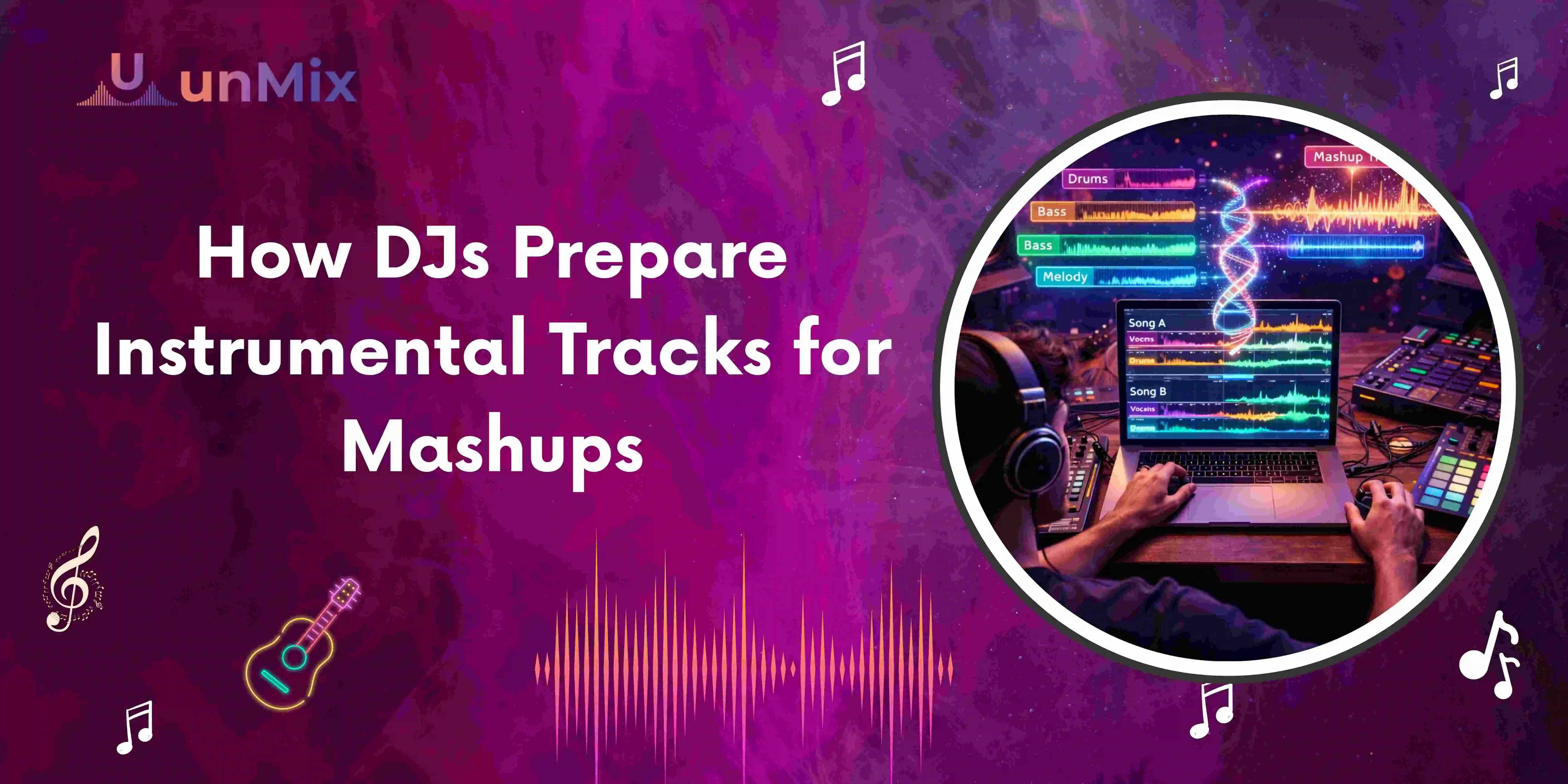
How DJs Prepare Instrumental Tracks for Mashups
- 12 Mar 2026
- 09:03
DJs create instrumental tracks for mashups by separating the vocals of a song and only using the instrumental part of it. This helps DJs combine the vocals of one song with the beat or music of another. Currently, DJs use artificial intelligence tools like an AI vocal remover to create instrumental tracks for mashups.
Why Instrumental Tracks Are Important for Mashups
Have you ever watched a DJ create a seamless mix of two totally different songs? Well, if you have, then you have witnessed a mashup in action.
Mashups mostly work because one song contains the instrumental beat of the song, and another contains the vocal performance of the song.
For example:
- Vocals of a pop song
- Instrumental of a house or EDM song
This is a totally new sound for listeners. In most cases, listeners recognize the vocals but hear them with a totally different rhythm.
It is not easy for DJs to create such mashups without instrumental tracks. Therefore, DJs consider it one of the most important tasks to create instrumental tracks for mashups.
The Traditional Way DJs Got Instrumental Tracks
This was not always easy since DJs did not have many alternatives before AI technology became widely available.
Searching for Official Instrumentals
Some songs are released with official instrumental versions. However, many popular tracks never receive official instrumental releases.
Manual Audio Editing
Experienced producers sometimes tried removing vocals manually using audio editing software. This is often done by adjusting frequencies and separating sound layers.
This approach works well; however, it is not only difficult but also requires a lot of time.
Online Instrumental Versions
Some DJs attempted to search for instrumental tracks uploaded by others. Unfortunately, not all tracks were available in instrumental form.
Because of all these difficulties, making mashups used to demand more work than creativity.
How AI Changed the Workflow for DJs
In the current era, there are AI programs available for audio separation that have altered the process for creating mashups.
For example, a DJ can input their song into an AI audio program that separates different components of the song.
Some components that are automatically separated are:
- Vocals
- Drums
- Bass
- Instrument layers
In just a few minutes, the song is automatically separated into the vocals and instrumental versions.
There are also programs such as unMix that can automatically separate audio for the DJ.
This is important because it can save the DJ a lot of time, especially for those creating playlists or testing different mashups.
Of course, it should be noted that for music producers looking to create high-end productions, there is still some preference for using manual control.
This is because there are still some artifacts that are left over after using these programs.
Step-by-Step: How DJs Prepare Instrumental Tracks for Mashups
Here’s the typical workflow many DJs follow today.
1. Choose the Track for the Instrumental
The first step in creating a mashup is to choose a song that will be used as a reference to create a beat in the mashup.
DJs look for a track that has:
- A strong rhythm
- A clear drum pattern
- A consistent tempo
Electronic and house music tracks are preferred when it comes to creating a mashup since they usually have a consistent beat.
2. Upload the Track to an AI Audio Separation Tool
The second step is to upload a track into an AI audio separation tool.
DJs nowadays mostly prefer to use a tool that offers a vocal remover option.
The tool analyzes the audio that is uploaded and separates various audio layers.
3. Separate Vocals and Instrumentals
After the process, the song is split into different components.
Most DJs opt for the basic two-track option:
- Vocal Track
- Instrument Track
Instrument Track has the full music arrangement without the vocals.
This is the version used for mash-ups.
4. Download the Instrumental Track
After the process is complete, the instrumental track is ready for downloading.
DJs can then load the instrumental track into:
DJ Software such as:
- Serato
- Rekordbox
- Traktor
DJs can then start mixing it with the vocals of another song.
Real Examples of Mashup Preparation
Many DJs begin their journey with the preparation of mashups during practice.
For example, let's consider that a DJ wants to prepare a set for a club.
In such a scenario, the DJ may:
- Get the instrumental version of a house music track.
- Get the vocals for a hip-hop track.
- Mix these two tracks.
In some cases, the combination works well. In other cases, the DJ has to try different tracks and choose the best combination.
This is the creative part of the job for a DJ.
Why Many DJs Prefer AI Tools Today
AI tools used for separating songs are popular among many DJs because they make the preparation of mashups easier.
Faster Workflow
Preparing the instrumental version of a song is a time-consuming process. With AI tools, the process is completed in a matter of minutes.
More Creative Freedom
DJs do not need to look for songs that already have the instrumental version available.
Beginner-Friendly
DJs do not need to be experts at working with audio tracks to prepare the instrumental version using AI tools.
Tips for Creating Better Mashups
While working with the latest AI technology, some tips can be followed to produce better mashups.
Choose Songs with Similar BPM
The best mashups are created with songs having similar tempos.
Test Multiple Vocal Tracks
The best mashups might be created with unexpected combinations.
Use High-Quality Audio Files
The quality of the audio files used will directly impact the quality of the instrumental tracks generated.
Balance the Audio Levels
Adjusting the levels of the instrumental and vocal tracks will ensure one song does not dominate the other.
Experienced DJs might take their time to adjust these settings before the performance.
The Future of Mashup Creation
The use of AI technology is now making mashup creation more accessible than ever.
In the past, to create a mashup, one would need to possess high-level skills in audio editing. This is not the case now since one can easily create a mashup in a matter of steps.
For DJs, they can now use AI audio tools to try out more music and create mashups.
The use of AI audio tools is not a future aspect for DJs since it has already become part of their daily life.
Frequently Asked Questions
How do DJs get instrumental tracks for mashups?
DJs get the instrumental versions of a song for mashups by using audio separation technology or AI vocal remover software to remove vocals from the original song.
How to separate audio with AI?
To separate audio using AI, the following steps can be taken:
- Upload your audio or video file to an AI audio separation tool.
- Select the option to split vocals and instrumentals.
- Let the AI analyze the track and separate the sound layers automatically.
- Preview the separated tracks.
- Download the vocal or instrumental version you need.
Tools like unMix use powerful AI technology to automatically identify vocals and instrumentals in a song and then automatically separate them without any need for editing.