

Create Karaoke Tracks
in Seconds
Turn any song into a karaoke version without complicated software. The unMix AI Chrome extension removes vocals, isolates instruments, and lets you create custom backing tracks instantly — perfect for karaoke nights, parties, and practice sessions.
Smart, Fast &
Effortless Audio Control
Take control of any track directly in your browser. The unMix AI Chrome extension separates vocals, highlights instruments, and gives you clean audio for remixes, content creation, and professional edits in seconds.
One-Click Vocal Removal
Remove vocals from any track in seconds — perfect for karaoke, cover songs, or remixes.
Cleaner instrument boundaries
Individual instruments are more distinctly separated, reducing overlap between stems.
Fast & Lightweight
Process audio instantly without uploading to bulky software — Delivers instant results, wherever you are.
Works Worldwide
Whether you're mixing Bollywood hits in India, pop tracks in the USA, or UK garage beats in London, unMix works anywhere.
How It Works
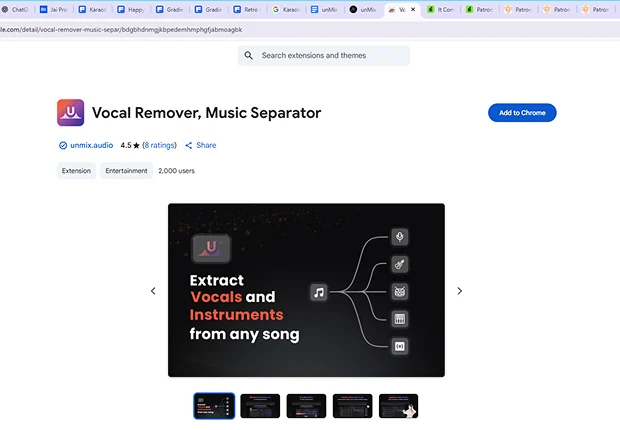
Install the unMix Extension from the Chrome Web Store.
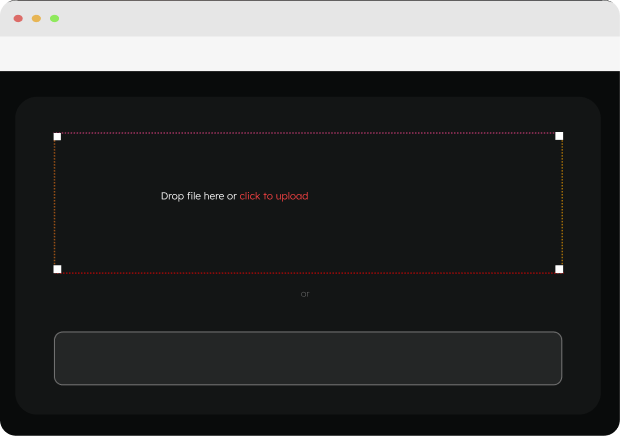
Select a track from your browser or upload one directly.
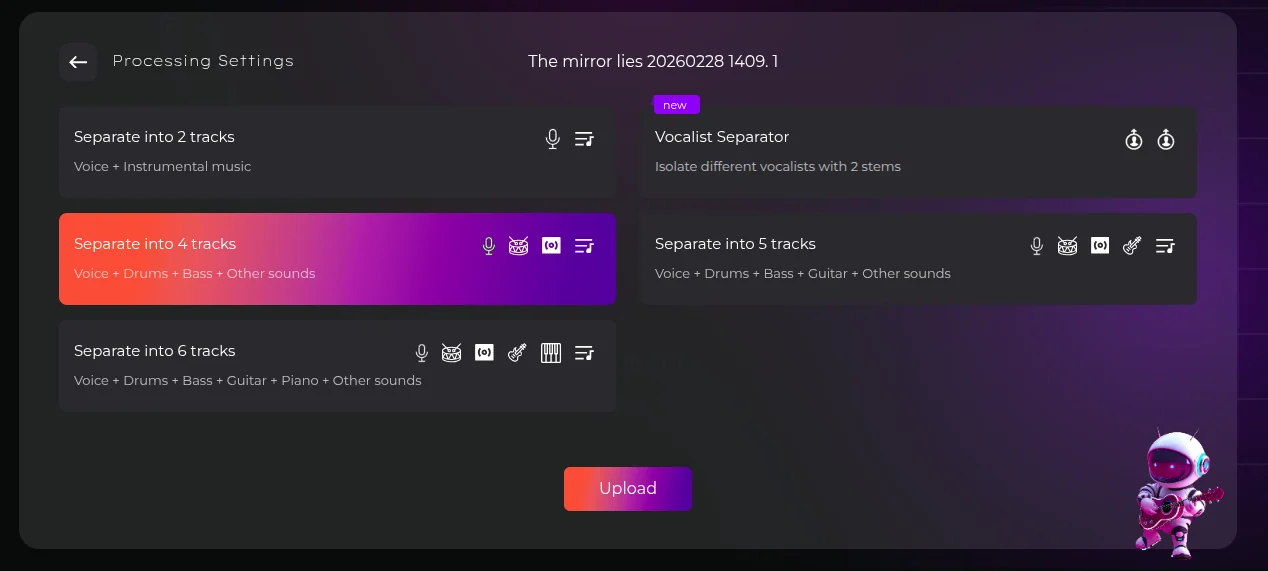
Click the unMix icon and choose Remove Vocals or Isolate Instruments.
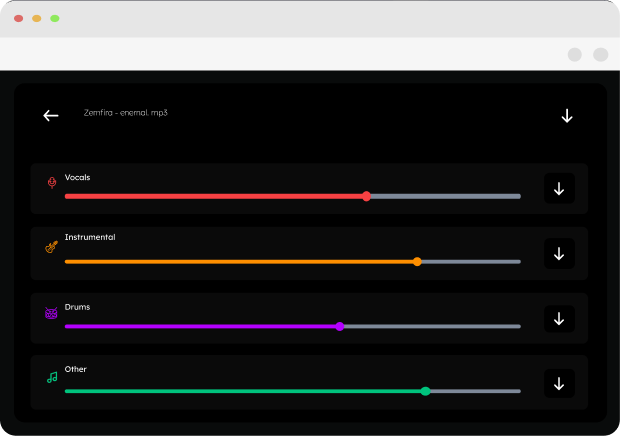
Download your ready-to-use track.
Who It's For

Singers & Band
Create custom backing tracks tailored for live performances.

Music Tutors
Teach using clean, isolated instrument tracks.

Producers & DJs
Remix songs from any genre and region.

Content Creators
Add tracks for videos in your target country.