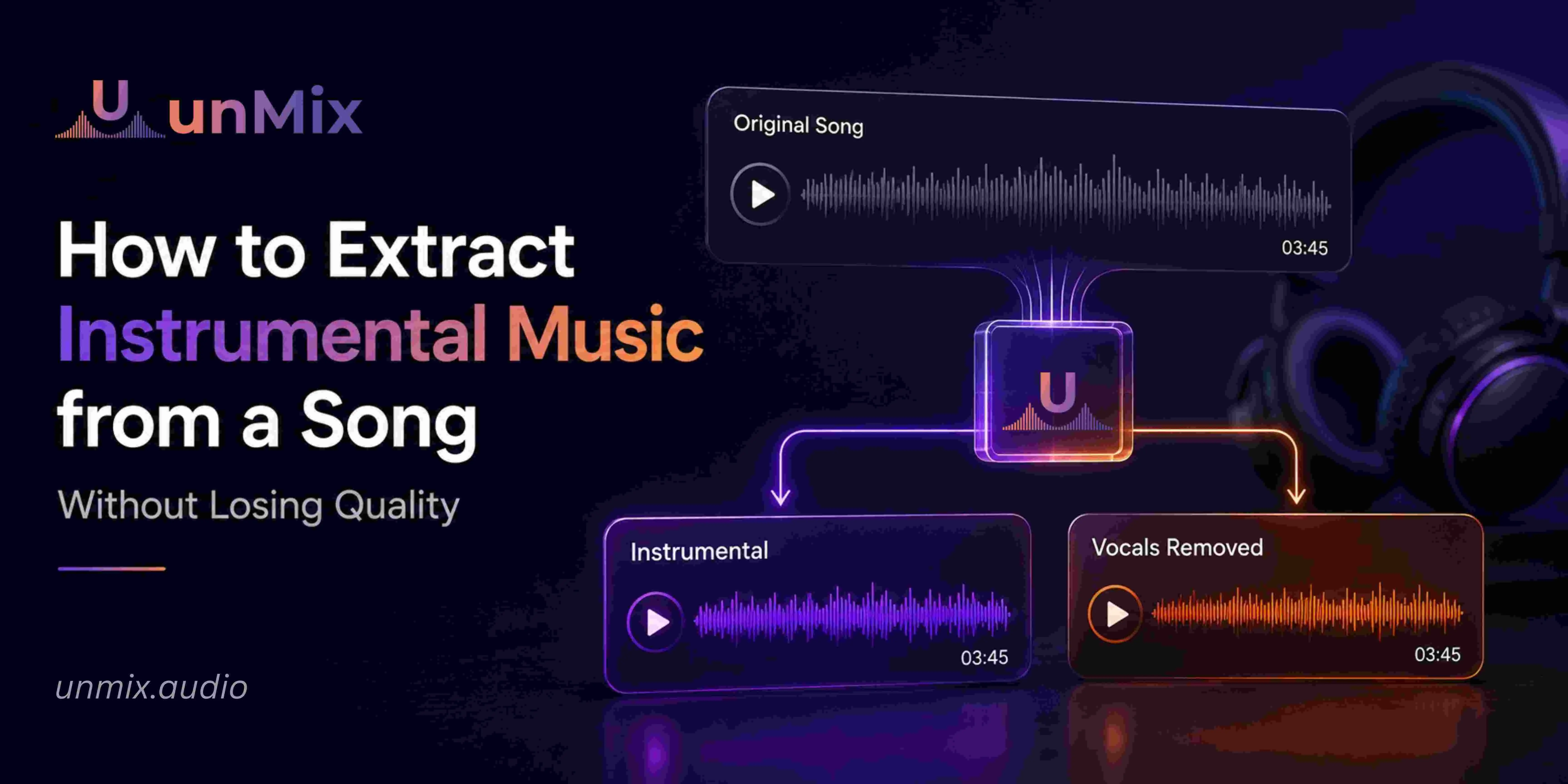
How to Extract Instrumental Music from a Song Without Losing Quality
- 12 Jun 2026
- 06:59
You finally find the perfect song.
Maybe it's for a cover video.
Maybe you're practicing for a performance.
Maybe you're putting together a karaoke night and want the original music instead of a generic remake from YouTube.
Then comes the frustrating part.
Finding a good instrumental version.
A lot of people assume this should be easy in 2026. After all, almost every song imaginable is available online somewhere.
Yet musicians run into the same problem every day.
The instrumental version either doesn't exist, sounds noticeably different from the original, or has been edited so heavily that it loses the feel of the song completely.
That's why more singers, creators, and musicians are creating their own instrumentals instead of searching endlessly for one.
And honestly, it usually takes less time.
Why People Want Instrumentals in the First Place
Most people aren't looking for instrumentals because they're interested in audio technology.
They're trying to do something specific.
A singer wants to practice without the original vocalist sitting on top of every line.
A cover artist wants a backing track that actually sounds like the song people know.
A music teacher wants students to focus on melody and timing.
A creator wants background music for a video without another voice competing for attention.
Different goals.
Same requirement.
The music stays.
The lead vocal goes.
The Problem With Many Instrumentals Online
If you've ever compared an original song with a random karaoke version online, you've probably noticed something feels off.
Sometimes it's obvious.
The drums sound different.
The piano part is missing.
The energy changes.
Other times it's harder to explain.
The track simply doesn't feel like the song anymore.
That's because many karaoke versions are recreated from scratch rather than taken from the original recording.
For casual singing, that may not matter.
For someone rehearsing a performance or recording a cover, it often does.
People usually want the original arrangement.
Not an approximation of it.
What Changed Over the Last Few Years?
For a long time, removing vocals meant compromising quality.
Older vocal removal methods didn't really understand what a vocal was.
They mostly removed frequencies where vocals commonly lived.
The problem?
Instruments live there too.
So when the vocal disappeared, parts of the music disappeared along with it.
That's why older instrumentals often sounded:
- hollow
- thin
- metallic
- distorted
If you've ever heard an instrumental where the cymbals sounded strange or the guitars seemed to vanish halfway through, you've experienced exactly that.
Modern AI approaches the problem differently.
Instead of removing frequencies, it separates audio elements individually.
The goal is to preserve the music while removing only the vocal layer.
How Most Musicians Extract Instrumentals Today
The workflow is much simpler than people expect.
Most aren't sitting in professional studios.
They're working from a laptop, desktop, or even a browser.
A typical process looks something like this:
Upload the Song into unMix
Start with the version you want to use.
This could be:
- MP3
- WAV
- FLAC
- M4A
- MP4
Cleaner files generally produce cleaner results.
That's not a rule.
But it helps.
Let the Audio Process
Once the file is uploaded into unMix, the system analyzes the recording.
Instead of treating the song as one giant audio file, it identifies different components inside the mix.
Depending on the track, that might include:
- vocals
- drums
- bass
- instruments
- supporting layers
The separation happens automatically.
Keep the Music, Remove the Vocal
This is the step most people care about.
Once the song is separated, you can remove the lead vocal and keep the instrumental.
For many users, unMix functions as both an instrumental maker and a vocal remover.
The end goal is simple:
Create a version of the song where the music stays intact while the vocal no longer dominates the mix.
Listen Before Downloading
This sounds obvious, but it's one of the most overlooked steps.
A quick preview can tell you a lot.
Listen for:
- leftover vocal traces
- missing instruments
- unusual artifacts
- balance issues
Most songs separate surprisingly well, but every track is different.
A thirty-second review can save a lot of frustration later.
One Thing Musicians Notice Immediately
The first time people practice with a clean instrumental, something interesting happens.
Mistakes become easier to hear.
The original singer is no longer covering timing issues.
Pitch problems stand out.
Transitions become more obvious.
At first, that can feel uncomfortable.
But it's also why so many singers improve faster when practicing with instrumentals.
The track stops carrying them.
They have to carry the song themselves.
Why Some Songs Separate Better Than Others
Not every recording behaves the same way.
A simple acoustic song and a heavily produced pop record are completely different challenges.
For example:
A singer-songwriter track with one vocal and one guitar often separates very cleanly.
A modern pop song with layered harmonies, effects, and vocal stacks may require more processing.
That doesn't mean the technology failed.
It simply reflects how the song was produced.
The more complex the mix, the more work the system has to do.
Beyond Karaoke and Covers
Most people associate instrumental extraction with karaoke.
That's definitely one use case.
But it's far from the only one.
People also create instrumentals for:
- vocal practice
- auditions
- rehearsals
- live performances
- dance routines
- content creation
- music education
Some musicians even use audio separation to remove drums from song recordings so they can focus on rhythm practice or build custom rehearsal tracks.
The technology has become much more flexible than most people realize.
Frequently Asked Questions
How do I extract instrumental music from a song?
Upload the song into the unMix AI audio separation tool, remove the vocal layer, and export the instrumental version.
Can I extract instrumentals without losing quality?
Yes. Modern tools like “unMix” preserve audio quality much better than older vocal removal methods.
Is an instrumental maker the same as a vocal remover?
They are closely related. A vocal remover removes vocals, while an instrumental maker creates the resulting instrumental track.
Can I use extracted instrumentals for karaoke?
Absolutely. Many singers use extracted instrumentals as karaoke tracks because they stay much closer to the original song.
What file formats work best?
High-quality formats such as WAV, FLAC, and high-bitrate MP3 files generally produce the strongest results.
Final Thoughts
Most people start looking for an instrumental because they need one song.
One cover.
One rehearsal.
One performance.
Then they realize they don't have to depend on whatever versions happen to exist online.
They can create their own.
That's probably the biggest reason instrumental extraction has become so popular.
Not because the technology is impressive.
Because it solves a problem musicians have had for years.