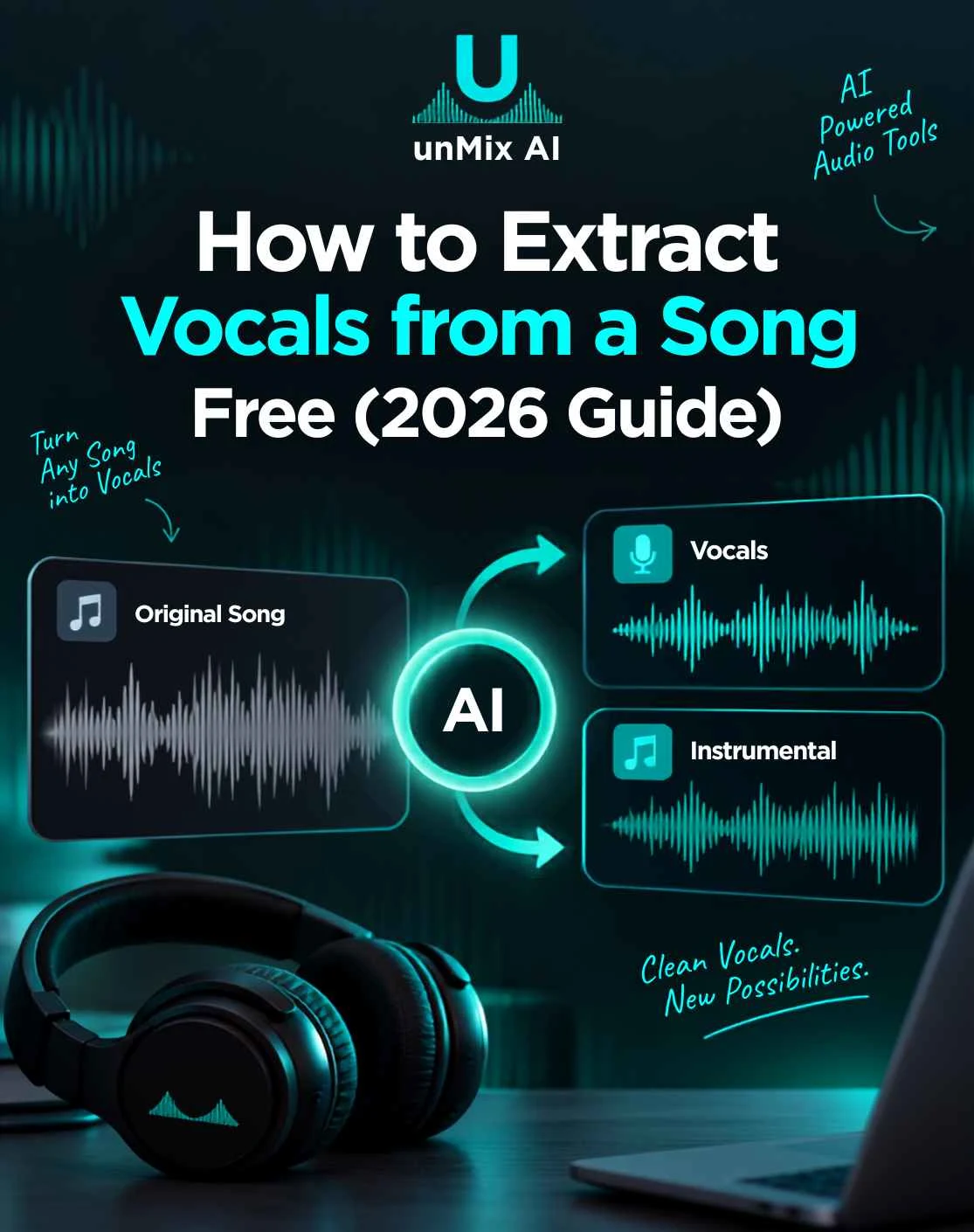
How to Extract Vocals from a Song Free 2026 Guide
- 15 Sep 2026
- 06:21
To extract vocals from a song, upload the track to a free AI vocal extractor like unMix, select the vocal separation option, let the AI process it, and download the isolated acapella — all in under a minute. No software or audio editing skills needed.
Extracting vocals means pulling the singer's voice out of a finished mix, leaving you with a clean acapella track. In 2026, AI stem separation makes this fast and browser-based — a skill now used daily by DJs, remixers, karaoke lovers, and content creators.
In this guide, I'll show you exactly how to extract vocals from any song for free — using an online AI tool, FL Studio, or Audacity — plus pro tips for getting the cleanest possible acapella.
What Does Extracting Vocals from a Song Mean?
Extracting vocals from a song means isolating the singer's voice from all the instruments, leaving you with a standalone vocal track — commonly called an acapella. The opposite process, removing the vocals to keep the music, gives you an instrumental or karaoke track.
This works through AI stem separation. The tool analyzes a finished mix and splits it into separate layers, or stems — vocals, drums, bass, and other instruments. Once separated, you can download just the vocal stem on its own.
A clean acapella keeps the vocal warm and natural while removing 90–95% of the background instruments. The better the AI model and source file quality, the cleaner the result.
How to Extract Vocals from a Song (Step-by-Step)
The fastest way to extract vocals is with a free online AI tool. Here's how to do it with unMix:
Step 1: Upload your song: Open unMix in your browser, click "Start Creating," then hit the plus (+) button to upload your audio or video file.
Step 2: Choose vocal separation: Select the separation option to split your track into individual stems — vocals, drums, bass, and more.
Step 3: Let the AI process: Start processing and wait a few seconds while the AI analyzes and separates your track.
Step 4: Download the acapella: Open your file from the "My files" section, preview the isolated vocal track, then download your clean acapella.
That's it — no installation, no editing skills. If you also want the music without vocals, the same process gives you the instrumental. For a full breakdown of separating every layer, see our guide on the best AI stem separators.
3 Ways to Extract Vocals from a Song
There are three main ways to extract vocals from a song: an online AI stem separator (easiest), FL Studio (for producers), or Audacity (free but manual). Here's how each works.
1. AI Stem Separator (Easiest — Online & Free)
An online AI tool is the fastest, cleanest option. Upload your song, select vocal separation, and download the acapella in seconds — no software or skills required. This is the best choice for most people, and it doubles as a drum remover or bass isolator too.
Best for: Beginners, quick clean acapellas
2. Extract Vocals in FL Studio
FL Studio can extract vocals using its built-in stem separation. Import your track, right-click and select the stem separation tool, then isolate and export the vocal stem. It gives producers more control within their project but requires the software.
Best for: Producers already working in FL Studio
3. Extract Vocals in Audacity (Free, Manual)
Audacity now offers AI separation through its OpenVINO plugin. Go to Effect → Music Separation, choose the vocal mode, and export the isolated track. Without the plugin, older manual methods exist but rarely sound clean.
Best for: Free desktop users who don't mind setup
How to Get a Clean Acapella (Pro Tips)
To get the cleanest acapella, start with the highest-quality source file and use a 6-stem AI separator. Small choices make a big difference in the final result. Here's what works:
Use high-quality audio — a WAV or 320kbps MP3 gives far cleaner vocals than a low-bitrate file.
Pick multi-stem separation — 6-stem models isolate vocals more precisely than a basic 2-stem split.
Avoid heavily processed tracks — songs drenched in reverb or autotune are harder to separate cleanly.
Preview before downloading — check the acapella for instrument bleed, especially in loud choruses.
Try a different model if needed — some tools handle dense mixes better than others.
A clean acapella removes 90–95% of the background instruments while keeping the vocal natural and warm.
What Can You Do with Extracted Vocals?
Extracted vocals (acapellas) are used for remixes, mashups, karaoke, sampling, and cover songs. Once you have a clean vocal track, the creative options open up. Here are the most common uses:
DJ mashups & remixes — layer an acapella over a different beat for unique transitions and edits
Karaoke & practice — pair the vocals with the instrumental to study phrasing, or drop the vocals for a karaoke track
Sampling — chop and reuse vocal phrases in new productions
Cover songs — reference the original vocal melody while recording your own version
Content creation — use clean vocals for videos, edits, and social clips
Whether you're a DJ, producer, or content creator, a clean acapella gives you full control over how you reshape a song.
Frequently Asked Questions
How do I extract vocals from a song for free?
Open a free AI vocal extractor like unMix
Upload your song
Select vocal separation
Download the isolated acapella
The whole process is free and takes under a minute — no signup or software needed.
How to extract vocals from a song online?
Use a browser-based AI stem separator — no download required. Upload your track to an online tool like unMix, choose vocal separation, and the AI isolates the vocals in seconds. Everything runs in your browser, so it works on any device.
Can I extract vocals without losing quality?
Yes, mostly. A good AI model keeps the vocal clean while removing 90–95% of the instruments. To preserve quality, always upload a high-bitrate file (WAV or 320kbps MP3) — low-quality sources produce weaker acapellas.
How do I extract vocals in FL Studio?
Import your track into FL Studio
Right-click the audio clip and select the stem separation tool
Choose the vocal stem
Export the isolated vocals
If your version lacks stem separation, extract the acapella with an online AI tool and import it.
Final Thoughts
Extracting vocals from a song used to require expensive software and hours of manual work. In 2026, a free AI stem separator does it in seconds — right in your browser. For the cleanest acapella, start with a high-quality file and use a multi-stem tool.
Whether you're building a mashup, making a karaoke track, or sampling for a new beat, extracting vocals gives you full creative control. Upload your first song and hear the difference for yourself.